
Launch your own AI assistant.
Live in under 3 minutes.
Deploy a secure, always-on AI assistant without servers, Docker, or DevOps. Fully managed OpenClaw hosting for Telegram, WhatsApp, Discord, Slack, and more.
Built on trusted infrastructure
- Managed OpenClaw hosting
- Secure by default
- Protected by Cloudflare Zero Trust
- Deploy in under 3 minutes
- EU GDPR compliant
Powered by
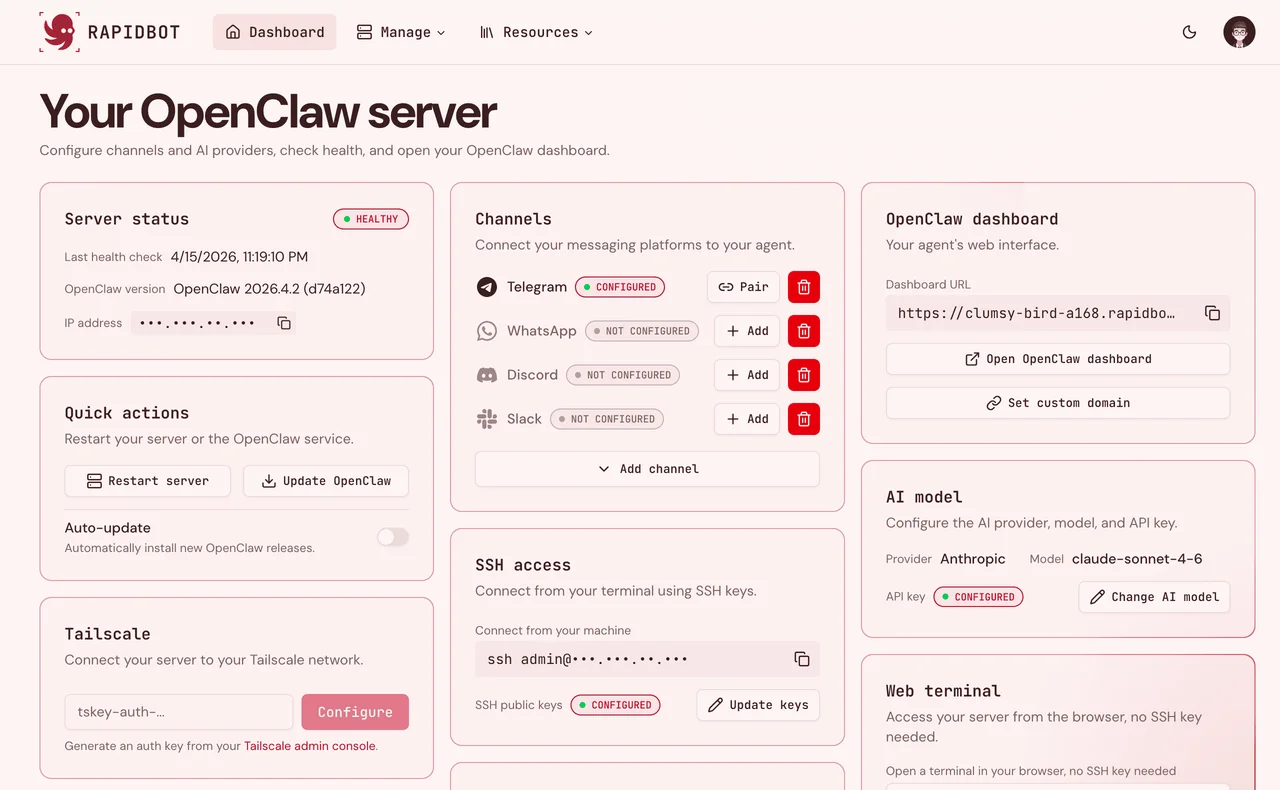
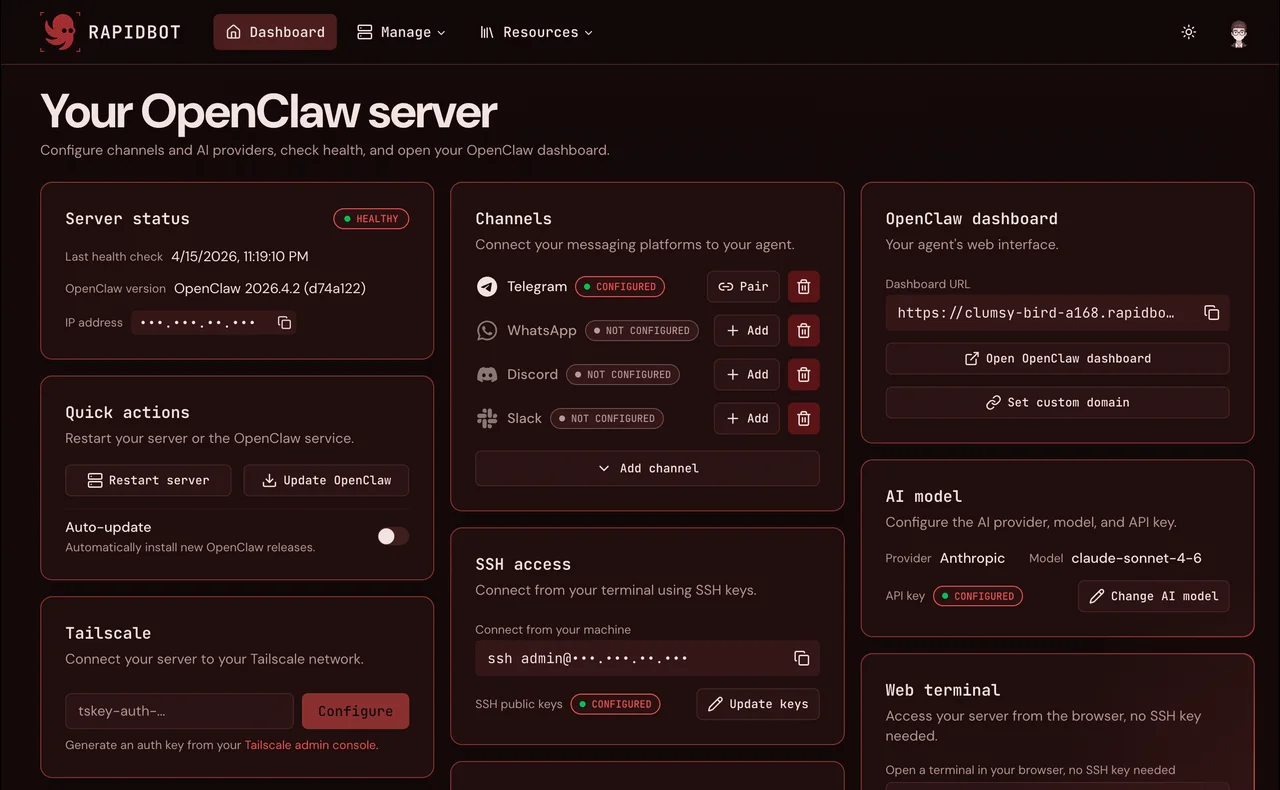
Comparison
Stop setting up servers.
Start using AI.
Deploying OpenClaw yourself means VPS hardening, Docker, SSL, firewalls, and ongoing updates. Rapidbot handles the full infrastructure stack so your OpenClaw AI assistant is ready in minutes, not days.
Without Rapidbot
~12 hrsOpen ports, leaked API keys, no rate limiting: self-hosting without a security checklist is a liability waiting to happen.
- MediumRent & harden a VPS (fail2ban, SSH keys, disable root)2–4 hrs
- HardInstall Docker with non-root user & secure daemon2–5 hrs
- HardSet up Nginx reverse proxy + SSL cert + HSTS headers2–4 hrs
- HardLock down firewall, expose nothing you don't need1–3 hrs
- ExpertAdd rate limiting & abuse detection before going public2–5 hrs
With Rapidbot
~3 minsWe handle the entire stack: server hardening, encrypted secrets, Cloudflare tunnels, rate limiting, and automatic updates. You bring your tokens. We handle the rest.
- Pick a messaging platform (Telegram, WhatsApp, Discord, etc.)
- Pick an AI provider (Anthropic, OpenAI, or Gemini)
- Enter your tokens, stored encrypted, never exposed
- AI bot is live, secured by default
How it works
Deploy your own AI assistant in 3 steps.
No servers, Docker, or DevOps required. Rapidbot hosts OpenClaw for you, so you can connect Telegram, choose your AI provider, and launch a secure assistant in under 3 minutes.
Step 1
Connect your Telegram bot
Start with Telegram during onboarding, or add WhatsApp and other messaging channels later from the OpenClaw dashboard.

Step 2
Choose your AI provider
Pick Claude, OpenAI GPT, or Gemini, select a model, and add your API key when you are ready.

Step 3
Launch your secure assistant
Add optional SSH keys, then launch your OpenClaw server. Your assistant is ready to chat, automate tasks, and run workflows.


Ready in under 3 minutes
Pick a plan and have your AI assistant live today.
Features
Fully managed.
AI assistant hosting.
Rapidbot includes everything needed to run a secure OpenClaw AI assistant, from security hardening and SSL to backups and updates. No Docker, Linux administration, or server maintenance on your side. Connect your AI provider and start using your assistant.
Pricing
Choose the right AI hosting plan.
Every plan includes managed infrastructure, automatic updates, security hardening, dedicated cloud resources, and monitoring. Launch your AI assistant today.
Get started fast
Core
2 vCPU · 4 GB RAM · 80 GB NVMe
- Managed OpenClaw server
- Multi-channel integration (Telegram, WhatsApp, Slack, Discord, etc.)
- Standard server specs
- Secure, isolated dedicated server
- Automatic SSL via Cloudflare
- Encrypted credential storage
- Full SSH & root access
- OpenClaw dashboard
- Community support (72h)
- Daily backups
- On-demand manual backups
- Custom domain
The recommended plan
Pro
4 vCPU · 8 GB RAM · 160 GB NVMe
- Managed OpenClaw server
- Multi-channel integration (Telegram, WhatsApp, Slack, Discord, etc.)
- High-performance server specs
- Secure, isolated dedicated server
- Automatic SSL via Cloudflare
- Encrypted credential storage
- Full SSH & root access
- OpenClaw dashboard
- Daily automated backups (7-day)
- Priority support (48h)
- On-demand manual backups
- Custom domain
Maximum power
Elite
8 vCPU · 16 GB RAM · 320 GB NVMe
- Managed OpenClaw server
- Multi-channel integration (Telegram, WhatsApp, Slack, Discord, etc.)
- Max-performance server specs
- Secure, isolated dedicated server
- Automatic SSL via Cloudflare
- Encrypted credential storage
- Full SSH & root access
- OpenClaw dashboard
- Daily automated backups (7-day)
- On-demand manual backups
- Custom domain
- Priority support (24h)
Use cases
What can you use Rapidbot for?
Rapidbot gives you a secure, always-on OpenClaw AI assistant for Telegram, WhatsApp, Discord, Slack, and the tools you already use. Run it as a personal AI assistant, research agent, customer support bot, workflow automation engine, or private AI infrastructure you fully control, without depending on closed SaaS platforms.
Personal AI assistant
Get reminders, answers, summaries, and daily help directly from Telegram, WhatsApp, Discord, or Slack without opening another app.
- 01 Ask questions, summarize information, and get daily help
- 02 Set reminders and receive answers in your messaging app
- 03 Available 24/7 from any device
AI research agent
Browse websites, collect information, extract data, and summarize findings automatically with a Chromium-powered AI web research agent.
- 01 Navigate websites and collect public information
- 02 Extract research, data, screenshots, and summaries
- 03 Automate repetitive web browsing and research tasks
Customer support automation
Connect AI to Telegram, WhatsApp, Discord, Slack, and other messaging channels so customers can get helpful answers around the clock.
- 01 Respond to common customer questions 24/7
- 02 Summarize issues and hand off complex cases to your team
- 03 Support customers in the channels they already use
GitHub
Manage repos & PRs
Todoist
Tasks & reminders
Google Calendar
Schedule & events
Obsidian
Note taking & search
Home Assistant
Smart home control
Telegram Groups
Manage group messages
+ thousands more community skills available
Tool integrations with AI skills
Connect Rapidbot to GitHub, Google Calendar, Todoist, Obsidian, Home Assistant, and more with OpenClaw skills.
- 01 Use GitHub, Google Calendar, Todoist, Obsidian, and more
- 02 Install community skills from the dashboard
- 03 Extend your assistant without building every integration yourself
New email arrives
Gmail trigger
AI reads & classifies
OpenClaw processes
Task added to Todoist
Skill action
Workflow automation
Chain AI actions across messages, emails, calendars, tasks, and APIs so multi-step workflows run from a single trigger.
- 01 Trigger automations from emails, messages, time, or events
- 02 Classify, summarize, and route work across your tools
- 03 Build once and let your AI assistant run the workflow
Write and run code on demand
Ask OpenClaw to write scripts, debug problems, or run Python and shell code directly on your private server. It runs the code and explains the results back to you in chat.
- 01 Write Python, shell scripts, and more on demand
- 02 Execute code directly on your managed server
- 03 Debug, iterate, and explain results without leaving your messaging app
FAQ
Questions? Answered.
Everything you need to know before getting started.
Ready to launch your own
AI assistant tonight?
Deploy a secure, always-on OpenClaw AI assistant powered by GPT, Claude, or Gemini in under 3 minutes. Skip the tutorials, Docker setup, DevOps, and server management. Just connect your AI provider and start building.